
Disabling a touchscreen for good on X11 desktop
Table of Contents
I own an old Dell Inspiron 2-in-1 11-3158 that I bought at a flea market years ago and made my travel machine: an i3-6100U running MX Linux with Cinnamon, maxed at 8GB of DDR3 RAM1.
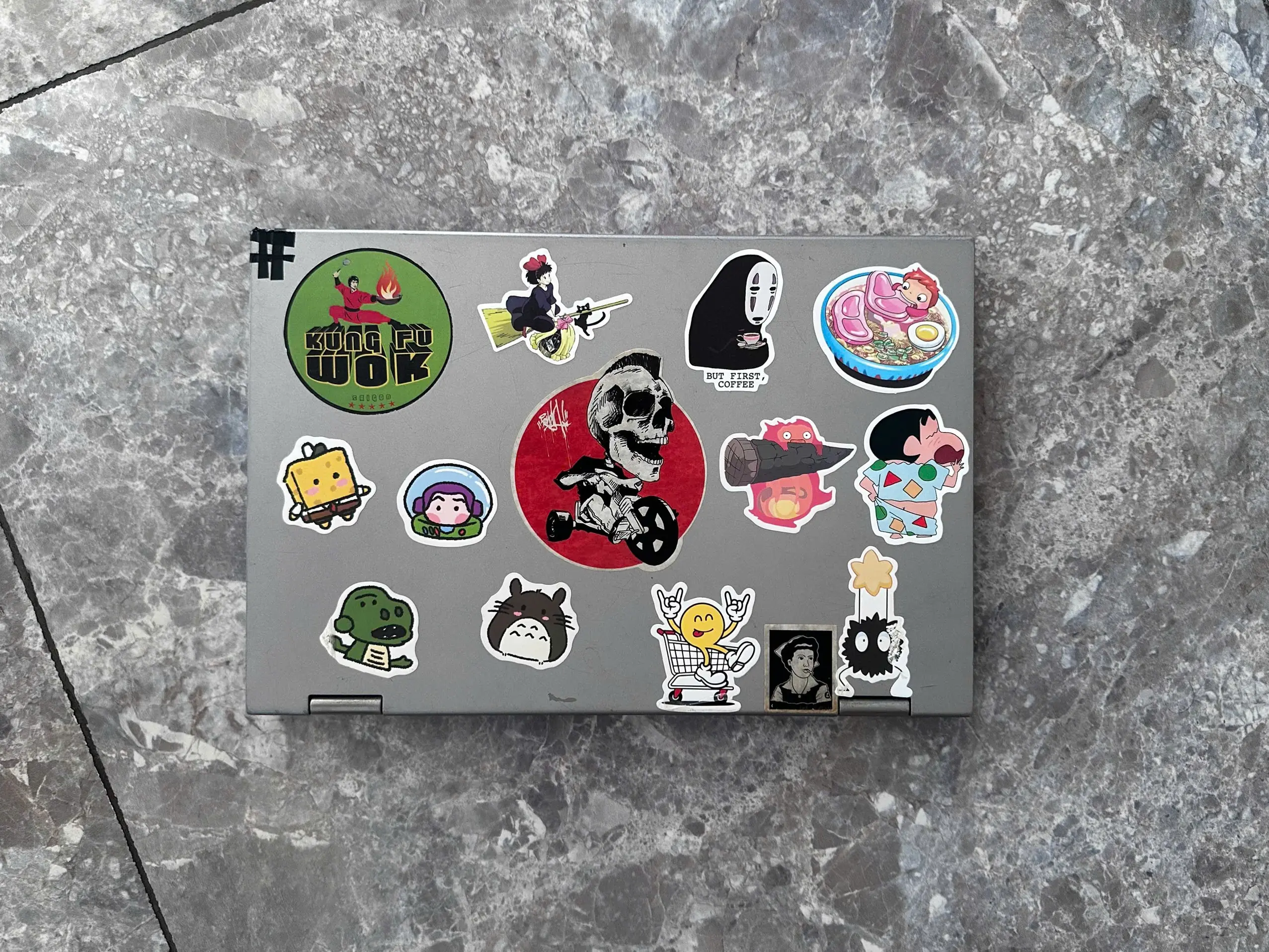
As it’s a convertible (2-in-1 model), it has a touchscreen, but it’s broken and sometimes it bugs and blocks the cursor clicking in the upper corner, which makes it impossible to use. So I wanted to disable the touchscreen from that machine, for good.
Killing it for the current session is simple. Making that stick across reboots meant working out which layer of the input stack owns the device, and it’s been a little more complicated than I expected.
What I tried first
Playing a bit with xinput I made a little bash script which catches the touchscreen and disables it by ID automatically:
#!/bin/bash
# Disable the touchscreen every time X11 starts

# Try to find the device by name (more robust than a fixed id)
DEV_ID=$(xinput list --id-only "ELAN Touchscreen")   # ID of the touchscreen

if [ -n "$DEV_ID" ]; then
    xinput disable "$DEV_ID"
fi
The stuck cursor stops, until the next login where I have to relaunch the script. Easy, but it can be automated so I don’t have to think about it anymore. The obvious next step is a @reboot cron entry to run the script automatically and fix the problem forever, so I wrote one, rebooted, and the corner ate my clicks again.
It’s not working…
After some documentation digging, I found out that @reboot fires when cron starts (normal), which happens before Xorg runs and before my login session exists. xinput is an X client: it opens a connection to a running display and asks the server to flip a property. With no display nor server to connect to, it has nothing to ask. The command runs, fails, and cron discards the output where I won’t read it.
The Xorg layer
As said, this laptop is using Cinnamon, which runs on X11, so on this machine I get the good old X11 stack.
Little precision on the vocabulary:
X11is a protocol: a socket, plus a vocabulary for “give me a window” and “here is a click at these coordinates”X serveris the process on the other end of that socket, the one holding the hardware and reading your keyboard and touchscreenXorgis the implementation of that server almost every Linux desktop has run for decades
They are all tightly linked and that’s why the three names get used for each other.
Cinnamon, Firefox and xinput are X clients: they own no hardware and ask the server for everything, so a client that starts before the server has nobody to ask.
The X server reads files in /etc/X11/xorg.conf.d/ at its own startup, before any session loads, so a rule there applies from the first frame:
Section "InputClass"
    Identifier      "Disable ELAN touchscreen"
    MatchProduct    "ELAN Touchscreen"
    MatchIsTouchscreen "on"
    Option          "Ignore" "on"
EndSection
Section "InputClass" opens a block of settings that Xorg applies to every input device matching the Match* lines inside it, at the moment the server enumerates devices. Identifier is a free-form name for the block, and it shows up in /var/log/Xorg.0.log when the rule fires, which is how you check the match worked. MatchProduct compares against the device name as a substring, and MatchIsTouchscreen restricts the block to devices udev has already tagged as a touchscreen. Option carries the payload: the setting applied to whatever survived the match.
Matching on the product name plus MatchIsTouchscreen leaves the Synaptics touchpad and my other pointers untouched. Option "Ignore" "on" makes X drop the device before anything can use it, which covers all the event nodes the touchscreen exposes without having to name them.
$ sudo cp 99-disable-touchscreen.conf /etc/X11/xorg.conf.d/
$ xinput list | grep -i elan   # after a reboot or a display manager restart: nothing
Everything works perfectly now: the touchscreen is disabled forever.
“Forever” in this context means “until I migrate to Wayland”, as that configuration file is only used by an X11 session. Switching protocol creates no warning and no logs, simply nothing reads it, the broken corner comes back, and I’ll have to fix it again.
Even if Cinnamon is currently using X11 by default, it will be migrating to Wayland soon. The Wayland session has been marked as experimental since Cinnamon 6.0, and the Mint team announced in June 2026 that the label goes away in Cinnamon 6.8, where both X11 and Wayland will be fully supported. So this fix won’t work for me much longer.
Wayland reads none of that
Wayland has been pushed as a replacement to Xorg and, even if it has a compatibility layer, it’s not an X server, so /etc/X11/xorg.conf.d/ never gets opened. Under Wayland the compositor itself (Mutter, KWin, sway, and others) talks to libinput, and there is no shared config file across compositors for killing a device.
I want a universal fix, so I won’t go and write one config file per compositor. The way out is to go one abstraction layer below, under any display server, to the part of the stack they share.
That level is libinput.
The kernel exposes the touchscreen as an event node, udev enumerates it and tags it with everything it knows about the hardware. libinput reads those tags and turns raw events into the pointer and touch data its consumers ask for. Xorg is one of those consumers through the xf86-input-libinput driver, and every Wayland compositor is another. So killing the device at the libinput level is a universal fix covering X11, Wayland and everything else at once, as that doesn’t care which session I boot into.
A udev rule setting LIBINPUT_IGNORE_DEVICE=1 makes libinput hand back nothing for that device, so my Cinnamon session never sees it. The rule keys on the USB ID, 04f3:036e:
# Permanently disable the ELAN Touchscreen (USB 04f3:036e).
# Compatible Wayland compositor AND X11 when it uses the xf86-input-libinput driver.
# Applied at device enumeration on every boot and hotplug -- no session hook required.
SUBSYSTEM=="input", ATTRS{idVendor}=="04f3", ATTRS{idProduct}=="036e", ENV{ID_INPUT_TOUCHSCREEN}=="1", ENV{LIBINPUT_IGNORE_DEVICE}="1"
The 04f3:036e is the USB vendor:product ID baked into the touchscreen hardware itself, and lsusb prints it for every device on the machine. It’s more stable than the event node name (/dev/input/event7 might shuffle around) and more precise than matching by name alone.
Once written, the rule goes in the udev rules folder, and a quick udevadm control --reload-rules && udevadm trigger applies it without rebooting.
$ sudo cp 99-disable-touchscreen.rules /etc/udev/rules.d/
# Apply new rule without rebooting
$ sudo udevadm control --reload-rules && sudo udevadm trigger --subsystem-match=input --action=change
Verify on either session type:
$ xinput list | grep -i elan                 # X11
# Nothing
$ sudo libinput list-devices | grep -i elan  # X11 and Wayland
# Nothing
What I kept
The udev rule, on its own. It covers the X11 session I run today and a Wayland switch later, and X11 on this machine goes through libinput anyway: every xinput property on the device carries a libinput ... prefix, which is what makes the udev rule bite under Xorg too. The Xorg file is redundant on top of it, and I removed it to avoid any weird conflict.
Rolling back is deleting /etc/udev/rules.d/99-disable-touchscreen.rules and running the same reload and trigger pair, which brings the device back without a reboot.
There is one more floor below udev: unbinding the kernel driver, or blacklisting its module, which kills the touchscreen at a TTY login before any GUI starts. That would have worked too, but the broken corner only bothers me inside a desktop session, so I stopped at udev.
Footnotes
-
It’s a 10-year-old machine, not the most powerful one, but it works very well and is good enough as a travel laptop 🧔♂️ ↩